Cover Letter Generator for Remote Applications
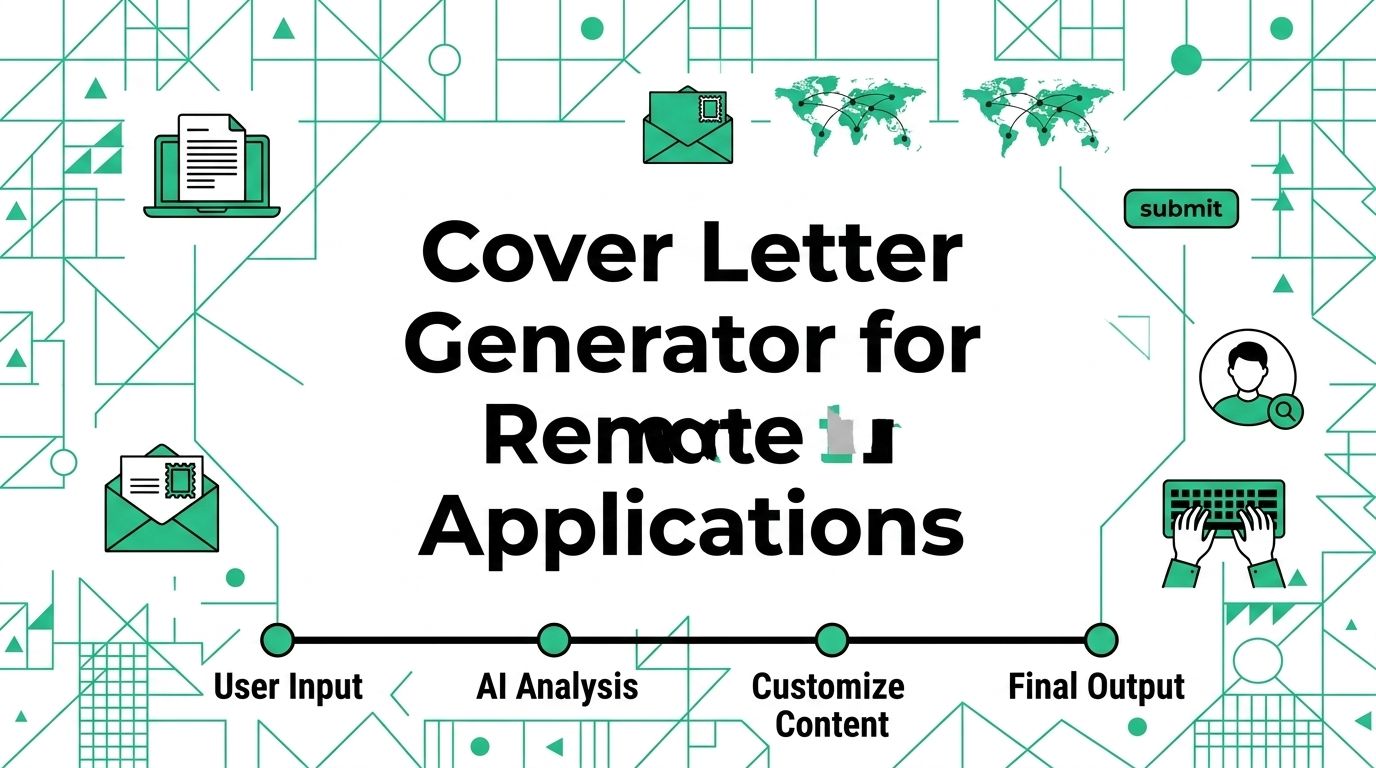
Two inputs and one review pass can turn a cover letter generator into a useful tool instead of a shortcut that sends the same bland letter to every employer. This guide helps remote job seekers, freelancers, and contractors build a factual draft, add role-specific proof, and decide when a letter is worth the time.
A generator can save time on structure and phrasing. It cannot know which project matters most, how you work across a distributed team, or what you can defend in an interview. Start with the job post and your own record, then use the tool for a first draft.
Decide Whether a Letter Helps
The application instructions make the first decision. A tailored letter is useful when an employer requests one, gives you optional space to explain your fit, or needs context that a resume cannot carry well.
Follow the application instructions
Read the posting before you open any tool. If it asks for a cover letter, provide one in the requested format. If it says not to include one, do not add an attachment or paste a letter into a text box.
CareerOneStop advises job seekers to tailor a cover letter for each role, keep it brief, and edit AI output so it reflects their own voice, skills, experience, and interest in the position. Its cover-letter guide also notes that a letter may help explain your match when the application lists it as optional.
Use optional space with a purpose
A letter should answer a question the resume leaves open. It should connect the role, your evidence, and your interest. That might be why a contractor wants a long-term remote role, how a career change connects to the work, or why one remote project shows a direct match.
Skip the letter when you have no new point to make and the application does not request one. A generic page adds little. A concise, specific note can help a reader connect the job, your evidence, and your interest.
Give the Tool Evidence Worth Using
The quality of the prompt limits the quality of the draft. Supply a short fact sheet before you ask for any prose.
Build a fact sheet first
Copy the relevant parts of the posting into your notes. Then add only details you know are true. This table gives a practical input set.
| Input | What to include | What to leave out |
|---|---|---|
| Target role | Exact title, employer, and two important responsibilities | A vague label such as “remote opportunity” |
| Your evidence | One project, client result, work sample, or accomplishment | Numbers, titles, or tools you cannot explain |
| Remote proof | A written handoff, async review, client update, or cross-time-zone routine | A bare claim that you “work well remotely” |
| Reason for interest | One honest connection to the team, product, mission, or work | Praise copied from the employer’s home page |
Keep private information out of the prompt. Do not paste client material, unreleased work, passwords, contact details, or data that you would not want stored with a third-party tool. A summary is usually enough for a first draft.
Match one proof point to one need
Pick the strongest connection between your work and the role. A remote support applicant might explain how they wrote case notes that made shift handoffs clear. A freelance designer might point to a client approval process and delivery record. A project coordinator might show how they kept owners and deadlines visible across time zones.
Use the job language where it fits your real work. Do not repeat the entire posting or force every keyword into the letter. Your remote resume checker workflow can help you compare the finished application with the job post before you submit it.
Ask for a Draft You Can Edit
One focused request works better than a demand for the “best” letter. Give the generator a clear role, length, facts, and limits.
Use a narrow prompt
Try this prompt after you prepare the fact sheet.
Add your facts beneath the request. Ask for one version first. Multiple versions can be useful later, but a pile of alternatives makes it easier to pick polished language that no longer sounds like you.
Add the remote detail yourself
Read the first draft and replace broad remote claims with one actual work behavior. “Comfortable in remote environments” says little. “Sent weekly client updates, documented revision decisions, and delivered approved copy on schedule” gives a hiring manager something concrete to discuss.
The detail should fit the role. Written incident updates suit support work. Async design feedback suits product design. Scope notes and client approvals suit contract work. One accurate example is enough.
Edit the Draft Against the Job Post
The review is where the letter becomes yours. Keep the post open beside the draft and check each paragraph against your record.
Check the three essential parts
| Letter section | Reader question | Your edit |
|---|---|---|
| Opening | Which role does this person want and why this employer | Name the role and add one specific reason |
| Evidence | Can this person do the work | Replace broad traits with one relevant example |
| Close | What should happen next | State interest in a conversation without pressure or a generic claim |
Remove any line that could apply to ten unrelated companies. Cut empty phrases such as “passionate professional,” “perfect fit,” or “excited to leverage my skills.” Replace them with the role, a relevant action, and a real result or deliverable.
Check every fact at least twice. A generator may turn a small project into leadership, imply a metric you never measured, or add a tool you only saw in a posting. Delete it or rewrite it accurately. Your guide to remote resumes can help when the letter exposes a gap in the experience section.
Keep the letter different from the resume
The resume lists the record. The letter should connect one part of that record to this role. Do not paste a resume summary into a new document and add a greeting.
Use the letter to explain why one experience matters now. A content contractor can mention an editorial workflow that matches the employer’s need for clear review cycles. A support candidate can explain how accurate case notes helped colleagues take over a conversation. Those details add context without repeating the full work history.
Make the Final File Easy to Use
Good content can still fail an application when the file is hard to open, the format ignores instructions, or the letter has never been read outside the generator window.
Use a short final check
Run this five-point check before you upload or paste the letter.
- The role title and employer name are correct.
- Every achievement, date, tool, and work claim is true.
- One example shows a relevant remote habit, result, or deliverable.
- The letter follows the posting’s requested format and length.
- The text has been read aloud or reviewed slowly for copied phrases and errors.
Export only after this check. Save the version with the employer name in the file title so you do not attach the wrong letter to the next application. For the formatting details that make the document easy to scan, see how to format a cover letter.
Use the Generator After You Find a Real Fit
Find the role first, collect the evidence, and then spend 20 minutes on one tailored draft. That order keeps the tool in its proper place: it helps you write, but it does not decide what is true or which job is worth your effort.
When the letter and resume match the same role, browse current remote jobs and choose one opening you would genuinely accept. Use the Working Nomads insights hub to compare role and market context before you make the next version.
Publishing Articles or Documentation? Remove AI Slop.
Remove repetitive AI filler phrases, robotic patterns, and AI slop to make your content human, engaging, and original.
Applying for Senior UI/UX & Product Designer Roles?
Boost your callback rate with our 100% free ATS-optimized resume template tailored specifically for remote Senior UI/UX & Product Designer positions.
Remote UI/UX & Product Designer Resume Template
Created for designers who balance visual beauty with user conversion, design tokens, and async design critiques.
ATS Keyword Scanner
Check your resume against remote job descriptions to find missing keywords and boost your score.
Tailored Cover Letter
Generate a personalized, high-converting remote cover letter emphasizing async communication.