Resume Checker for Remote Jobs
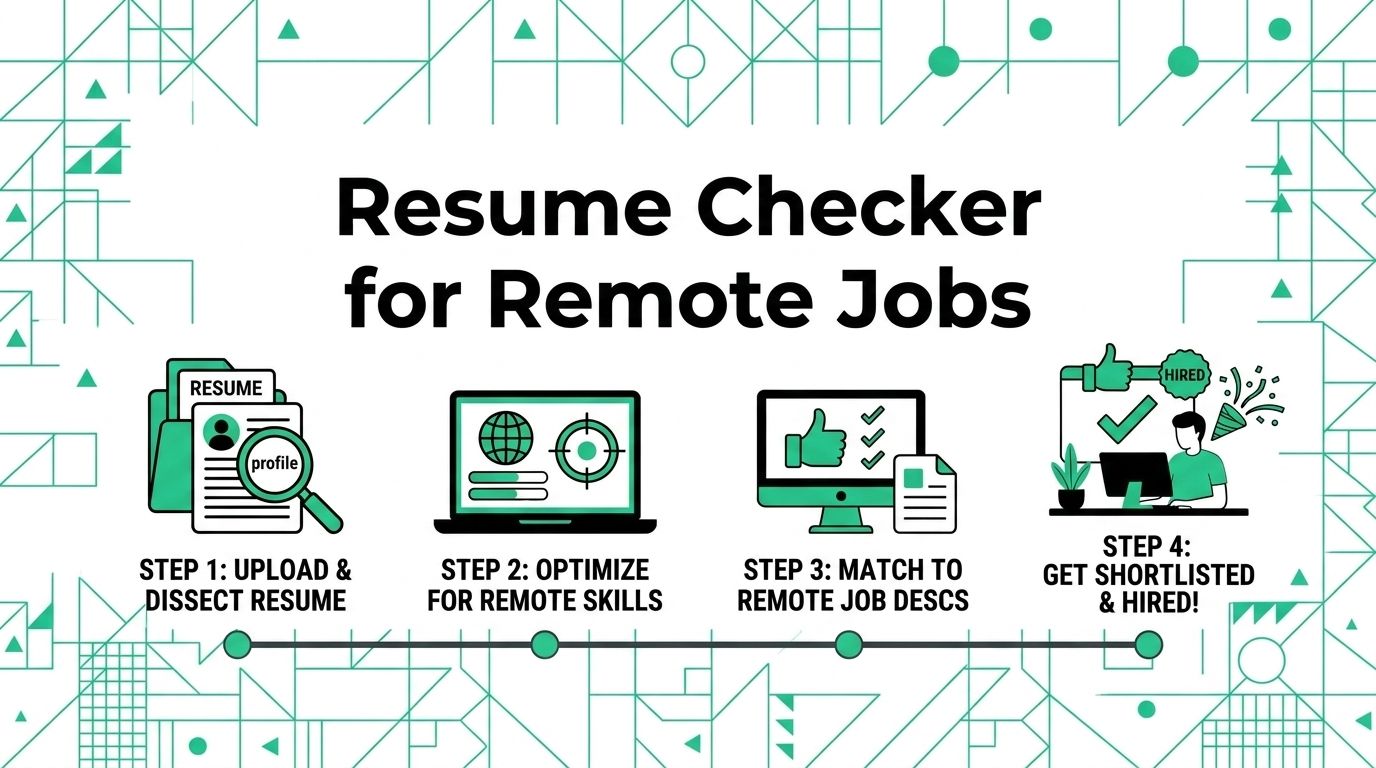
Five checks can turn a generic resume review into a useful remote-job decision: target role, evidence, skills, format, and truth. A resume checker helps you spot gaps, but it cannot decide whether your experience proves you can do the work.
This guide helps remote job seekers use a resume checker without chasing a meaningless score. You will compare one resume against one job post, test the remote-work proof a reader can find, and make a short set of edits before you apply.
Use a Resume Checker as a Comparison Tool
The best input is not a resume in isolation. Put the job description beside it. A checker can flag missing terms, thin sections, or formatting risks. Its output becomes useful when each flag leads back to a real requirement in the role.
CareerOneStop recommends that work descriptions use terms from the job post and focus on relevant tasks and accomplishments. Its work-experience guidance also makes the right limit clear: use specifics and real outcomes instead of a list of every duty.
Start with one target role
Choose the role you would apply to today. Copy its required skills, preferred skills, core tasks, work location, and any named tools into a note. Mark each item as one of three states: clear proof, partial proof, or no proof.
Do not add a missing term just to make a report look better. Add it only when you can point to work, a project, training, or a credential that supports it. A resume is stronger when every claim survives a follow-up question.
Read the result in context
A match result is a prompt for review, not a hiring decision. LinkedIn explains that its job-match insights compare the qualifications in a job post with skills and experience on a profile and resume; the hirer does not see the candidate's match level. Its job-match explanation is a useful reminder that the evidence in your application matters more than a private score.
Treat a low score as a question: Is the term truly missing, expressed with different language, or unrelated to your experience? A low score does not require keyword stuffing. It may mean this role is a stretch, which is useful information before you spend an hour on an application.
Check the Five Areas That Matter
Run the same five checks for every serious remote application. The order below moves from fit to readability, so you fix the important gaps before polishing small details.
| Resume area | What to check | A useful edit |
|---|---|---|
| Target role | Does the headline or summary make the role clear? | Name the role you seek when it matches your background |
| Relevant evidence | Does each recent role show work related to the job post? | Replace a broad duty with a task, context, and result |
| Remote proof | Can a reader find how you communicate, plan, or hand off work? | Add a truthful example of documentation, client updates, or cross-time-zone work |
| Skills and tools | Are listed tools relevant and defensible? | Keep the tools you used for real work and remove filler |
| Format and details | Are dates, titles, file name, and contact details consistent? | Correct the mismatch before you upload the file |
Check the target role first
Your first screen should answer one question: what job is this person ready to do? A recruiter should not need to decode a general title such as "professional" or "team player".
For a remote customer support role, lead with customer support work, the channel you handled, and the product context. For a contract design role, lead with the type of design work, the client setting, and the outcomes you can show. A career change can work too, but the connection must be visible in the first third of the page.
Check evidence before keywords
Keywords help a reader find relevant experience. Evidence tells that reader why it matters. Compare these two bullets.
Weak
Managed remote projects and used Asana.
Stronger
Coordinated weekly launch tasks in Asana for four client sites, documented handoffs, and shared deadline risks before launch dates.
The second bullet includes the same tool and remote context, yet it gives the hiring team something specific to discuss. Use this pattern for every important requirement: action, work, context, and outcome.
Check remote proof where it belongs
Remote readiness does not need its own buzzword-heavy section. It shows up in the work record: written updates, clear handoffs, documented decisions, independent planning, client communication, or collaboration across time zones.
Name the remote detail only when it adds useful context. A freelancer might write about an approval process for several clients. A support specialist might mention accurate case notes that allowed a teammate to continue a conversation. A developer might describe a design decision recorded for an async review. Each example proves more than a line that says "excellent communicator."
For more help turning work history into that proof, read how to write a resume for remote jobs. Keep this checker for the final comparison; use that guide when you need to rebuild a section.
Separate Content Checks from Format Checks
Some resume checkers focus on terms and sections. Others test whether a file can be read cleanly. You need both reviews, but they solve different problems.
Run the content check
Read the job post once without editing. Then ask these questions against your resume.
- Does the summary match the target role without overstating seniority?
- Do the first two recent roles carry the strongest related evidence?
- Are required tools and methods present only where you have used them?
- Does each important bullet explain what changed, improved, shipped, supported, or delivered?
- Can you defend every number, title, tool, and claim in an interview?
If a requirement is absent, choose one of three moves. Add true evidence, show a closely related skill with plain language, or leave it out. The third choice can save you from an application that sounds tailored but collapses in an interview.
Run the format check
Open the file as a PDF after you export it. Review the top, middle, and bottom of each page. Look for uneven spacing, a broken bullet, a wrapped heading, stray blank pages, and links that expose a long raw address.
Also follow the employer's file instructions. When no format is specified, keep a clean editable version and a PDF version so you can respond to the application form. Use a simple filename such as FirstName-LastName-Role-Resume.pdf.
The site resume checklist for a finished resume covers the broad final pass. This article narrows the process to the comparison between a specific remote role and your evidence.
Make the Last Ten Minutes Count
Set a ten-minute limit after the resume checker finishes. A short deadline keeps you from endlessly rewriting a document that was already ready to send.
Spend four minutes on fit
Read the job's first five requirements and put a mark next to the matching proof on your resume. Revise only the gaps that have honest support. If three core requirements still have no proof, move on or apply with a clear understanding that the match is weak.
Spend three minutes on remote evidence
Find one or two examples that show how you work without constant supervision. Good candidates include a written handoff, a project plan, a customer update, a client approval, or a decision record. Place them in the relevant role instead of adding a separate list of personality traits.
Spend three minutes on errors
Read the document aloud from top to bottom. Check company names, dates, title spelling, tense, links, and the attachment name. Then compare the uploaded file with the version you reviewed. This simple step catches the common mistake of sending an older copy.
Use the Result to Choose Your Next Step
A good resume checker gives you a decision, not just a score. If the role has clear overlap and your document needs a few truthful edits, tailor it and apply. If the role is close but your examples are thin, build a project, update your skills, or choose a more fitting opening. If the role is a poor match, preserve your time for a better target.
Start with one live opening, make no more than five evidence-based edits, and send the tailored version within an hour. Browse current remote jobs when you are ready to test the process. The Working Nomads insights hub can help you compare roles and hiring data before your next application.
Publishing Articles or Documentation? Remove AI Slop.
Remove repetitive AI filler phrases, robotic patterns, and AI slop to make your content human, engaging, and original.
Applying for Senior Full-Stack Engineer Roles?
Boost your callback rate with our 100% free ATS-optimized resume template tailored specifically for remote Senior Full-Stack Engineer positions.
Remote Senior Full-Stack Engineer Resume Template
Engineered specifically for distributed engineering teams. Highlights asynchronous PR reviews, system scalability, and cloud microservices architecture.
ATS Keyword Scanner
Check your resume against remote job descriptions to find missing keywords and boost your score.
Tailored Cover Letter
Generate a personalized, high-converting remote cover letter emphasizing async communication.