Remote Whiteboarding Tools
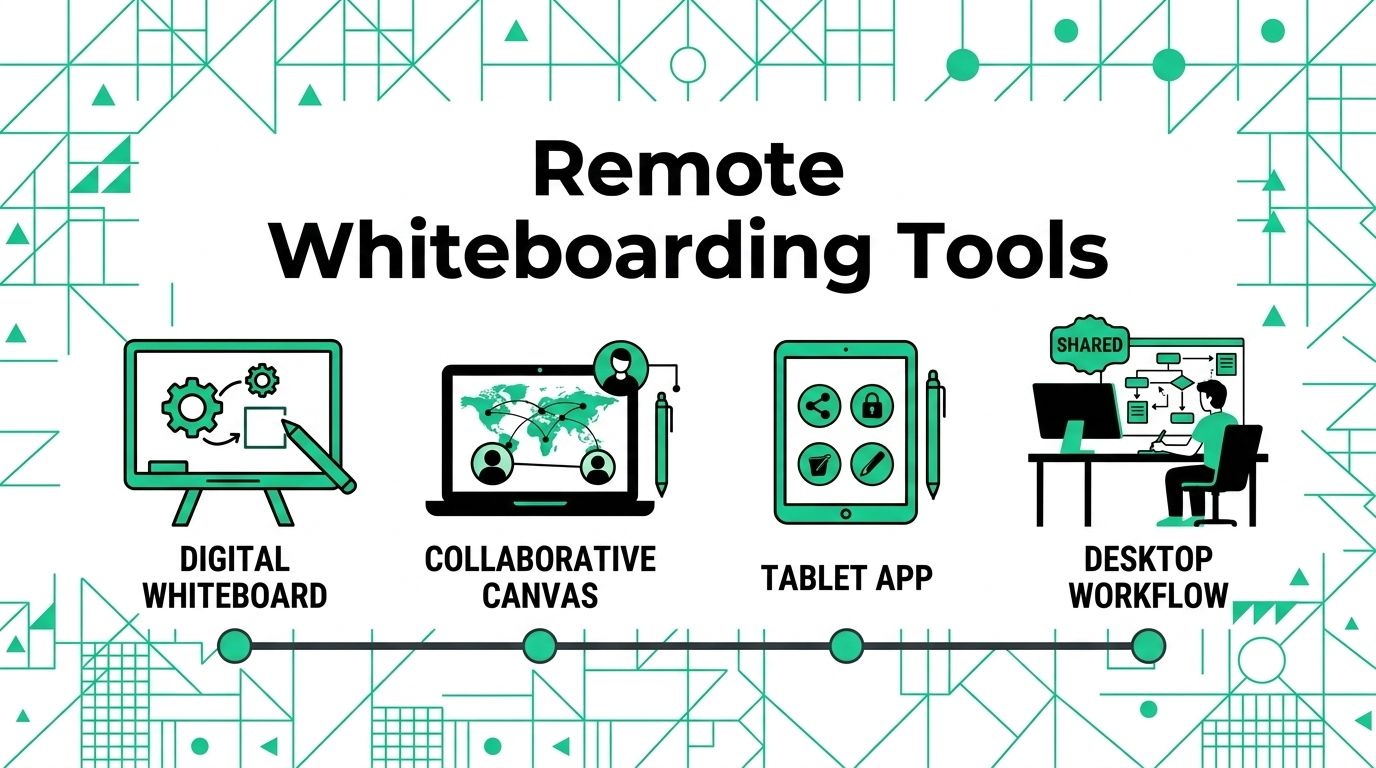
Remote teams often need a shared place to sketch ideas, map processes, group feedback, and make decisions. A normal document can work for notes, but it can feel stiff when the team needs to think visually.
A digital whiteboard gives people a shared canvas. The best tool depends on whether your team needs workshops, diagrams, design review, classroom use, or quick meeting notes.
What a Good Digital Whiteboard Needs
Microsoft says Whiteboard lets team members collaborate in real time on an infinite canvas. That idea is the baseline for most tools in this category.
Look for these practical features:
- Capture: Sticky notes, shapes, drawing tools, images, and templates.
- Collaboration: Live cursors, comments, voting, timers, and facilitator tools.
- Output: Export options, task handoff, and integration with project tools.
Top Whiteboarding Platforms
Start with the kind of meeting your team runs most often, then choose the platform that supports that format cleanly.
Miro and Mural
Miro is a broad visual workspace with an infinite canvas and many app integrations. Mural focuses on visual collaboration, templates, facilitation, and team alignment.
| Feature | Miro | Mural |
|---|---|---|
| **Primary strength** | Flexible canvas and broad integrations. | Structured workshops and facilitated sessions. |
| **Best for** | Cross-functional planning and diagrams. | Design sprints, retrospectives, and guided workshops. |
| **Team fit** | Teams that want one large visual workspace. | Teams that run structured collaboration sessions. |
FigJam and Lucidspark
FigJam fits teams already using Figma or design workflows. Lucidspark works well for brainstorming that may later turn into process maps, diagrams, or more formal documentation.
Microsoft Whiteboard
Microsoft Whiteboard can be a simple choice for teams already using Microsoft Teams and Microsoft 365. Check account access and storage rules before you make it the main team board.
Simple classroom or presentation boards
Some teams do not need a heavy platform. A lightweight online whiteboard can be enough for tutoring, quick sketches, or live explanations.
Visual Collaboration Process
A whiteboard tool works better when the meeting has structure.
- Pick one use case: Start with a recurring meeting, planning session, or retrospective.
- Prepare the board: Add headings, prompts, reference links, and examples before the meeting.
- Give people a task: Ask each person to add notes, vote, group ideas, or mark blockers.
- Save the outcome: Export the board or turn decisions into tasks.
The tool should make thinking easier. If the board creates more confusion than clarity, simplify the template before you switch platforms again.
For a related Working Nomads article, read design collaboration tools tips before you decide your next step.
What to Read Next
Read best slack alternative if you want a related next step on remote work tools.
Use how to ask for vacation days when you work remotely for hiring teams when you need more context before your next decision.
Publishing Articles or Documentation? Remove AI Slop.
Remove repetitive AI filler phrases, robotic patterns, and AI slop to make your content human, engaging, and original.
Applying for Senior UI/UX & Product Designer Roles?
Boost your callback rate with our 100% free ATS-optimized resume template tailored specifically for remote Senior UI/UX & Product Designer positions.
Remote UI/UX & Product Designer Resume Template
Created for designers who balance visual beauty with user conversion, design tokens, and async design critiques.
ATS Keyword Scanner
Check your resume against remote job descriptions to find missing keywords and boost your score.
Tailored Cover Letter
Generate a personalized, high-converting remote cover letter emphasizing async communication.