Design Collaboration Tools
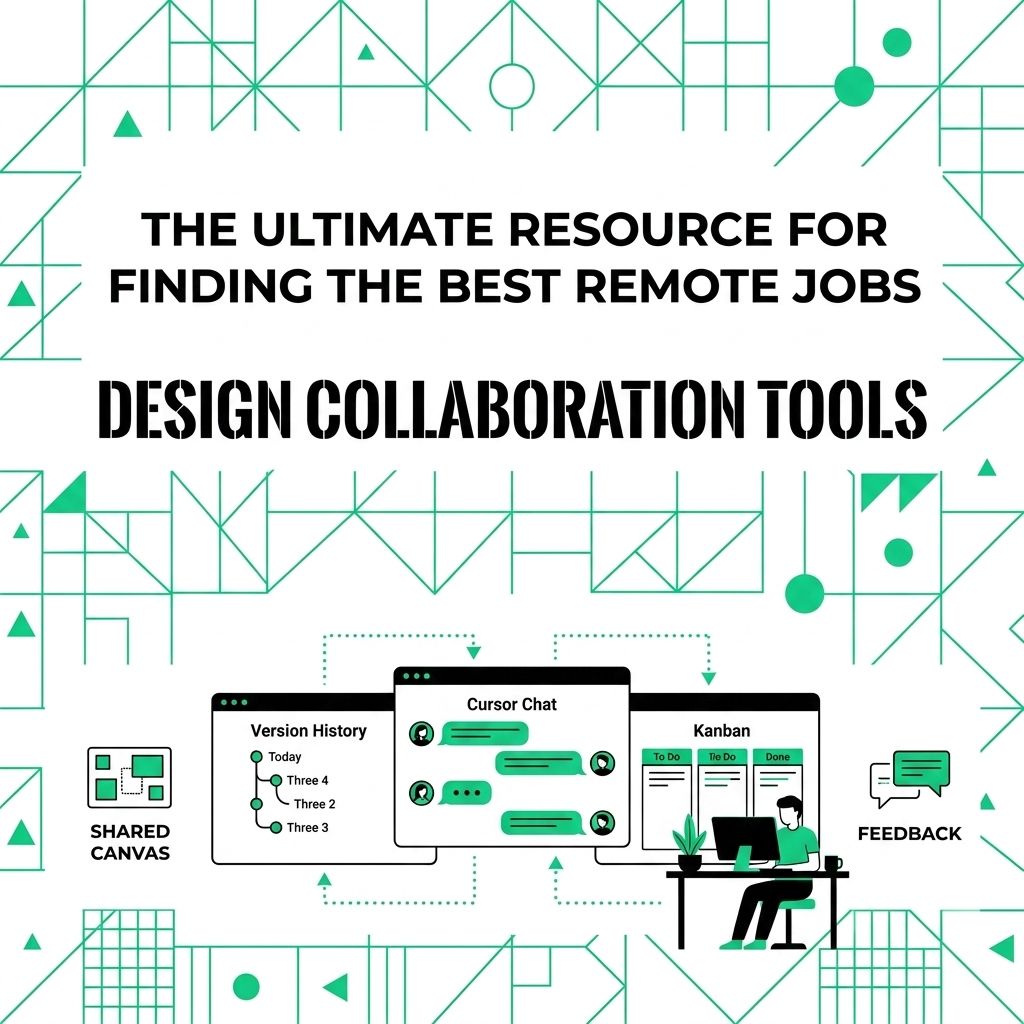
Design work gets messy when feedback lives in five places. One person comments in Slack, another replies to an email, and someone else edits an old file. Then the team spends half the meeting asking which version is final.
More chat does not fix that. A good design collaboration setup gives your team one place to plan ideas, test layouts, collect comments, and approve the final file. The tool matters, but the handoff rules matter just as much.
The cost of scattered design work
Remote design teams need a shared source of truth. Without one, feedback gets separated from the file, approvals slow down, and small comments turn into rework. A clear tool stack should connect rough ideas, design files, comments, tasks, and final approvals.
Tool categories your team actually needs
Different parts of design work need different spaces. Keep the stack small enough that people use it, but complete enough that feedback does not drift back into email.
Early ideas and whiteboards
Teams need a lightweight place to sketch flows, group ideas, and talk through early decisions before opening full design files. FigJam is built for shared whiteboards, and Miro supports async and real-time work on a large visual canvas.
- Input: Rough ideas, research notes, screenshots, and team comments.
- Process: Group patterns, map user paths, and agree on the next screen or asset.
- Output: A clear plan the designer can turn into wireframes.
Prototypes and wireframes
Static images rarely show how a product should feel. Teams need clickable prototypes, screen flows, and comment threads tied to the exact design. Figma is the stronger current default for many product teams because it combines interface design, prototyping, comments, and developer handoff in one place.
- Input: Layouts, components, user flows, and product notes.
- Process: Link screens, test interactions, and collect comments on the design itself.
- Output: A prototype that clients, developers, and stakeholders can review without guessing.
Review and proofing
Final design review needs precision. Chat comments like “change the top image” waste time because no one knows which image or which version. Filestage and Ziflow focus on review, markup, approvals, and proof history for creative and marketing files.
- Input: Final design files, ads, videos, landing pages, and client assets.
- Process: Reviewers mark exact spots, request changes, and approve the proof.
- Output: A clear revision list and an approval trail the team can trust.
Design collaboration options
| Team Need | Better Fit | Why It Helps |
|---|---|---|
| **Early planning** | FigJam or Miro | Keeps rough ideas visible before design work starts. |
| **Product design** | Figma | Keeps design, prototype, comments, and handoff close together. |
| **Creative approvals** | Filestage or Ziflow | Keeps comments attached to the file under review. |
| **Project tracking** | Asana, ClickUp, or Basecamp | Keeps deadlines and ownership away from messy comment threads. |
How to roll out a cleaner design workflow
Start with the pain your team already feels. Where do comments get lost? Which files get approved twice? Which client keeps asking for the wrong version?
- Audit recent projects: List the places where feedback, files, and approvals broke down.
- Pick one central hub: Use one project tool for owners, due dates, and status.
- Choose one design workspace: Keep wireframes, prototypes, and comments in the same tool when possible.
- Set review rules: Ask stakeholders to comment inside the proofing or design tool, not in side messages.
- Run one test project: Try the new process on a small project before changing every team at once.
A cleaner setup gives designers fewer interruptions and gives stakeholders fewer places to look. That is usually where the time savings start.
For a related Working Nomads article, read best remote scanner tools before you decide your next step.
What to Read Next
Read best document collaboration tools if you want a related next step on remote work tools.
Use how to ask for vacation days when you work remotely next steps when you need more context before your next decision.
Publishing Articles or Documentation? Remove AI Slop.
Remove repetitive AI filler phrases, robotic patterns, and AI slop to make your content human, engaging, and original.
Applying for Senior Full-Stack Engineer Roles?
Boost your callback rate with our 100% free ATS-optimized resume template tailored specifically for remote Senior Full-Stack Engineer positions.
Remote Senior Full-Stack Engineer Resume Template
Engineered specifically for distributed engineering teams. Highlights asynchronous PR reviews, system scalability, and cloud microservices architecture.
ATS Keyword Scanner
Check your resume against remote job descriptions to find missing keywords and boost your score.
Tailored Cover Letter
Generate a personalized, high-converting remote cover letter emphasizing async communication.