How to Write a Professional Resume
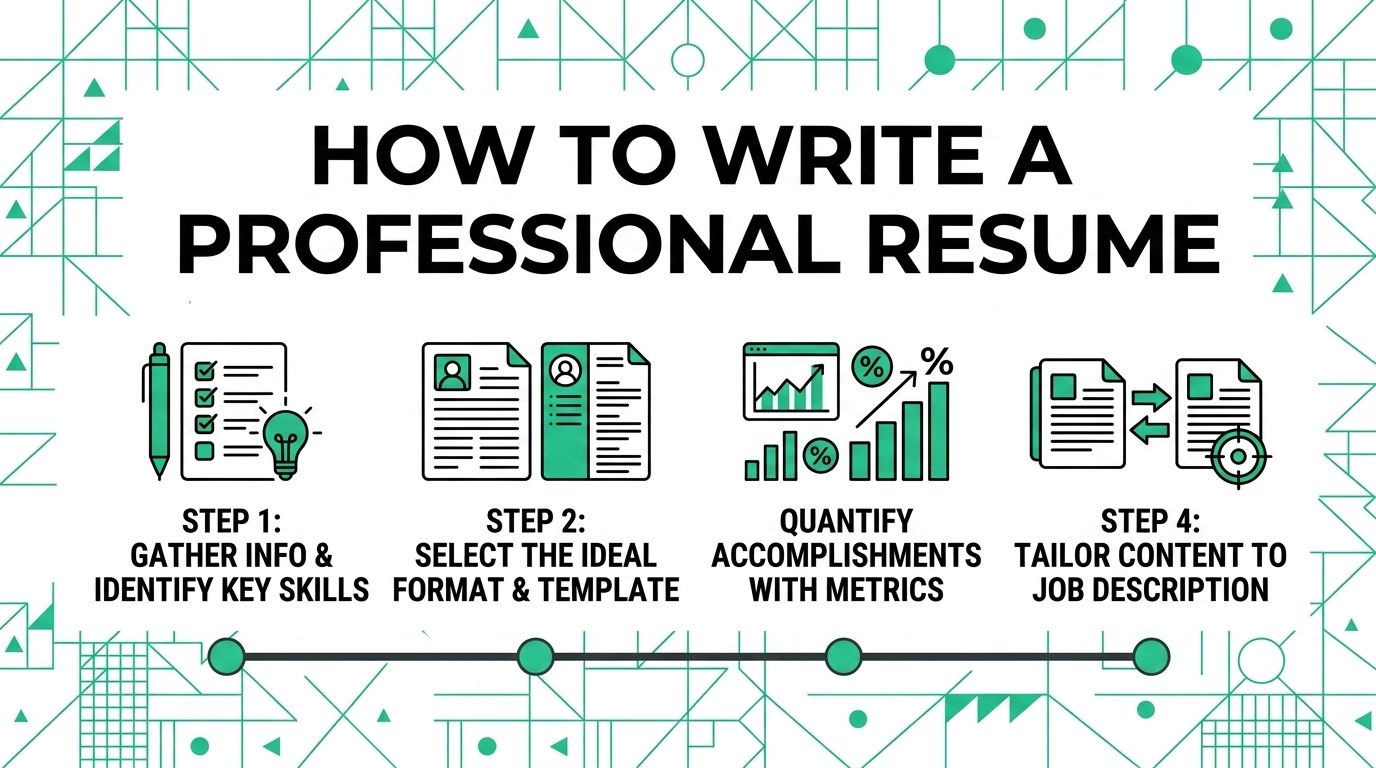
A professional resume helps an employer see your fit for a role quickly. It should not read like a full autobiography. It should show the experience, skills, and results that matter for the job in front of you.
Start with the posting. Then shape the resume around the proof that matches it.
Choose a Layout That Is Easy to Scan
CareerOneStop's top resume strategies include highlighting accomplishments and identifying transferable skills. A clean layout gives those details room to work.
Use structure that helps the reader find information without guessing.
- Concise length: Keep the resume as short as you can while still showing relevant proof.
- Standard type: Use readable fonts and steady spacing.
- Consistent headings: Make section titles predictable.
- Requested file type: Submit a PDF or document file based on the employer's instructions.
Traditional and Clean Layouts Compared
Choose a layout that fits the role and industry.
| Industry Type | Recommended Layout | Characteristics |
|---|---|---|
| Traditional fields | Conservative layout | Black text, simple headings, and a text-focused structure. |
| Creative or technical fields | Clean layout with subtle style | Clear sections, readable spacing, and restrained design choices. |
Structure the Core Sections
A strong resume usually includes these sections. Adjust the order based on your experience and the job.
1. Clear contact information
Put contact details at the top.
Core elements
- First and last name
- Professional phone number
- Professional email address
- City and state or region
Useful additions
- LinkedIn profile
- Portfolio, GitHub, or other relevant work sample
Leave out date of birth, headshots, and personal details that do not belong in the hiring decision.
2. Professional summary
Use a short summary when it helps the reader understand your fit. Mention your role, strongest skills, and one or two relevant strengths.
3. Work experience and achievements
List experience in reverse chronological order. For each role, include:
- Job title
- Company name
- Dates of employment
- Bullet points that show work, tools, and results
Focus on what you accomplished. Use numbers when they are true and useful.
4. Education
List your most recent relevant education first. Include the degree, institution, and other details that support the role.
5. Skills
Name skills that match the job description. Include technical tools, certifications, languages, and relevant workplace skills.
Refine and Finalize
Optional sections can help when they add real value. Add languages, publications, licenses, volunteer work, or projects only when they support the job target.
Read the resume from the employer's point of view. What would make them want to talk with you? Keep that evidence, tighten the rest, and submit a clean file.
For a related Working Nomads article, read references on your remote resume and when to share them when you need clarity before you decide your next step.
What to Read Next
Read best resume font size and format if you want a related next step on resume writing.
Use why a one-page remote resume usually works best when you need clarity when you need more context before your next decision.
Publishing Articles or Documentation? Remove AI Slop.
Remove repetitive AI filler phrases, robotic patterns, and AI slop to make your content human, engaging, and original.
Applying for Universal Remote Professional Roles?
Boost your callback rate with our 100% free ATS-optimized resume template tailored specifically for remote Universal Remote Professional positions.
Classic ATS-Friendly Standard Resume Template
A pure single-column structure with standard semantic headings (Summary, Experience, Skills, Education) that passes every automated applicant scanner.
ATS Keyword Scanner
Check your resume against remote job descriptions to find missing keywords and boost your score.
Tailored Cover Letter
Generate a personalized, high-converting remote cover letter emphasizing async communication.