Best Resume Font Size and Format
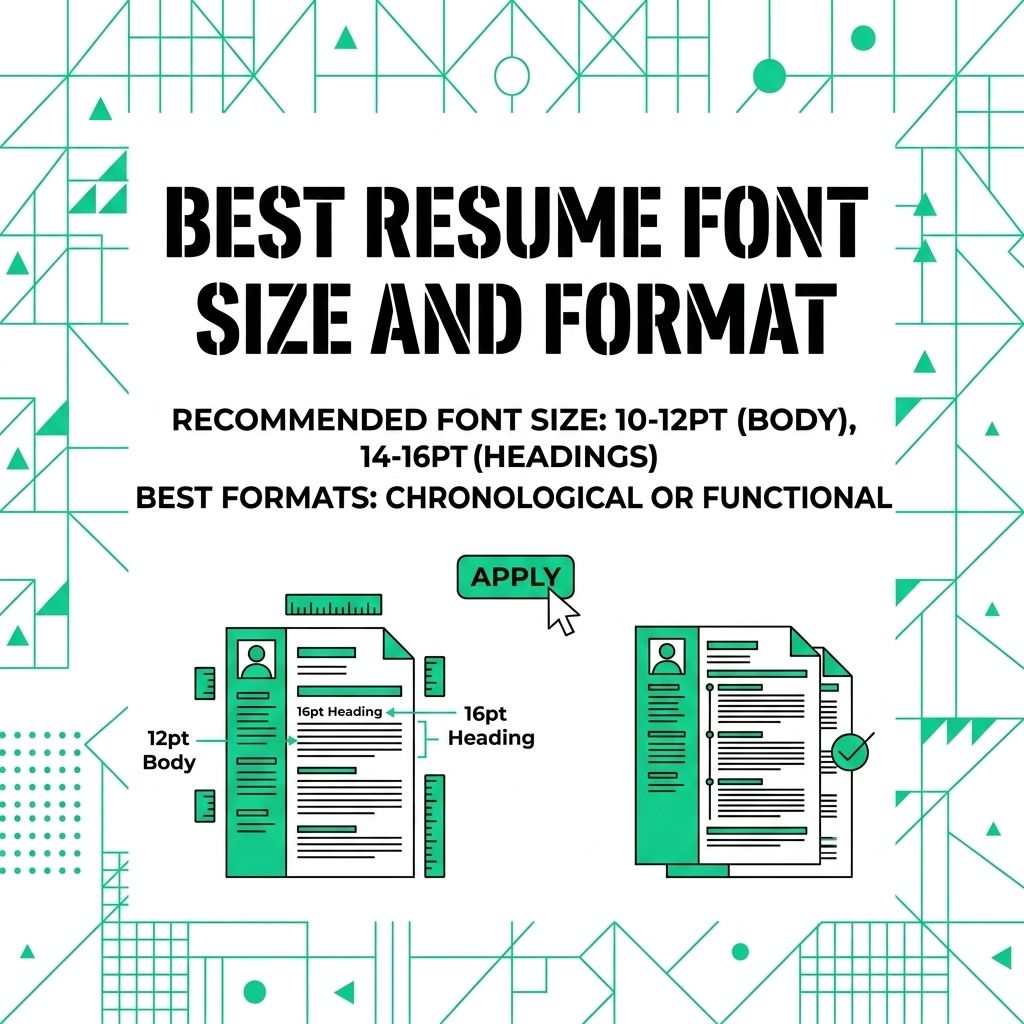
A resume font should make the document easier to read. It should not call attention to itself.
Small text, cramped spacing, and decorative fonts can make a good resume harder to scan. Choose a clean font, use consistent spacing, and let the content do the work.
Keep the Layout Easy to Read
CareerOneStop's resume formatting guide recommends basic fonts such as Calibri, Arial, Georgia, Garamond, or Times New Roman, with body text around 10 to 12 points. Its formatting page also recommends standard headings and consistent spacing.
Use that as your baseline before you add any style.
Safe and Standard Fonts
Pick a font most readers and systems can handle. Avoid novelty fonts, script fonts, and anything that looks good only at a large size.
One font family is usually enough. Use bold, size, and spacing to create structure.
Set a Clear Size Hierarchy
Font size should guide the eye without making the page feel crowded.
- Body text: Use 10 to 12 point size.
- Section headings: Use a slightly larger size or bold style.
- Your name: Make it larger than the rest of the text, but keep it professional.
Do not shrink text until it becomes hard to read. Cut weaker content before you make the page uncomfortable.
Format in a Simple Order
Format after the content is mostly done. That helps you avoid uneven spacing and random font changes.
- Draft the content: Write your summary, experience, education, and skills first.
- Apply one font: Select the full document and set the main font.
- Set body size: Use a readable size for the main text.
- Style headings: Use the same heading style for every section.
- Check spacing: Make sure bullets, dates, and headings line up consistently.
Clean formatting makes the resume feel easier to trust. Keep the design quiet, readable, and consistent.
For a related Working Nomads article, read references on your remote resume and when to share them practical advice before you decide your next step.
What to Read Next
Read what is a summary of qualifications on a resume if you want a related next step on resume writing.
Use why a one-page remote resume usually works best practical advice when you need more context before your next decision.
Publishing Articles or Documentation? Remove AI Slop.
Remove repetitive AI filler phrases, robotic patterns, and AI slop to make your content human, engaging, and original.
Applying for Senior Content Strategist & Copywriter Roles?
Boost your callback rate with our 100% free ATS-optimized resume template tailored specifically for remote Senior Content Strategist & Copywriter positions.
Remote Content Marketer & Copywriter Resume Template
Crafted for writers who produce high-converting long-form guides, B2B case studies, and email nurture sequences for distributed teams.
ATS Keyword Scanner
Check your resume against remote job descriptions to find missing keywords and boost your score.
Tailored Cover Letter
Generate a personalized, high-converting remote cover letter emphasizing async communication.