How to Respond to an Interview Invitation for Remote Workers
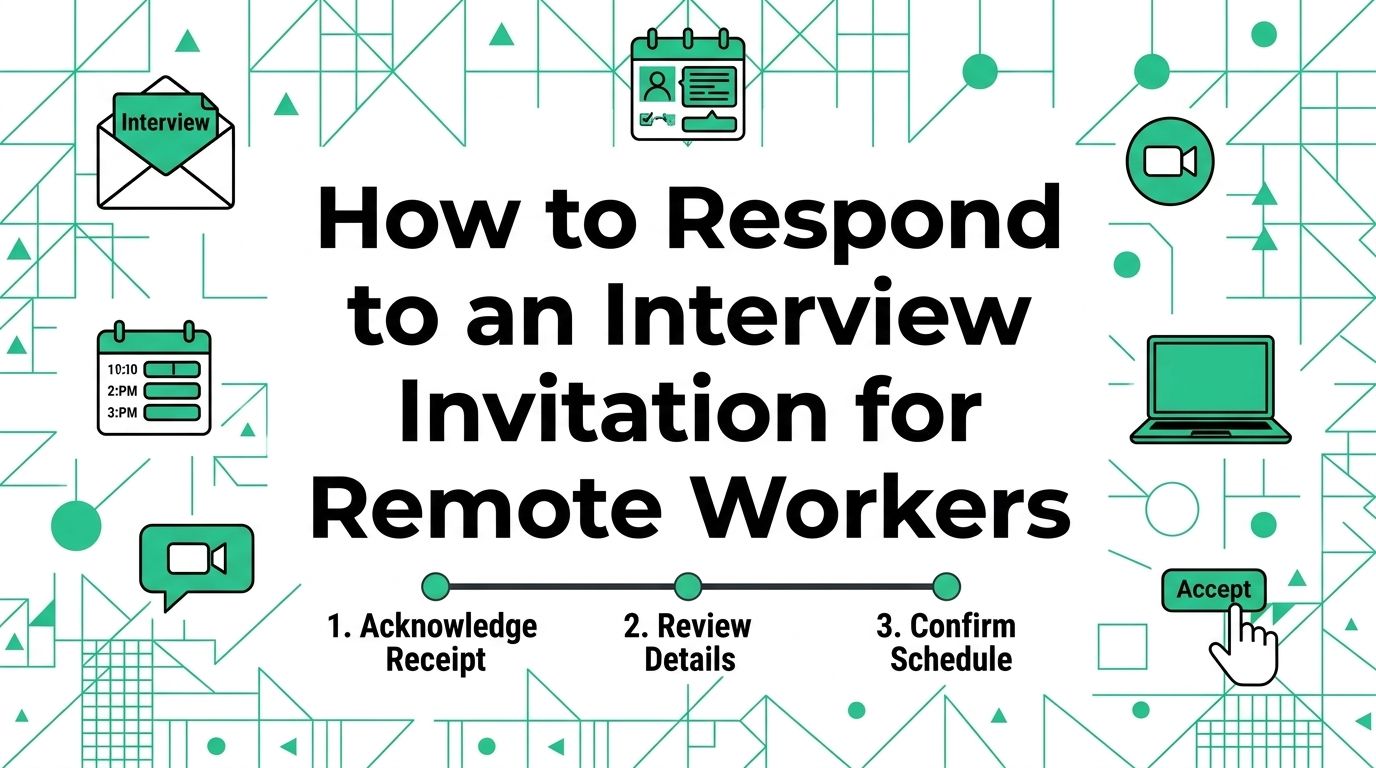
An interview invitation needs a reply that does four jobs: it thanks the sender, confirms your interest, locks down the details, and makes the next step easy. Remote interviews add practical questions about the platform, time zone, and format. This guide gives you a short reply template, a verification check, and a 30-minute preparation plan.
Reply within one business day
Reply after you have read the full message, checked the sender, and compared the proposed time with your calendar. A fast, calm response shows attention without forcing you to accept a time that will not work.
Use the same email thread unless the invitation asks you to use a scheduling link or reply to a different contact. Keep the subject line intact. The hiring team needs to find the conversation easily when schedules change.
Put four details in the first reply
Your reply can be brief. It should still answer the practical questions that keep an interview from turning into a string of follow-up emails.
| Detail | What to say | Why it helps |
|---|---|---|
| Thanks | Thank the sender for the invitation | Sets a professional tone |
| Interest | State that you would like to speak about the role | Confirms the point of contact |
| Time | Accept the proposed time or offer two alternatives | Makes scheduling clear |
| Format | Confirm the platform, time zone, or interview format when needed | Prevents a remote-work mix-up |
Use your own voice. A reply does not need enthusiasm that you would never use in a real conversation. It needs clarity and a commitment you can keep.
Copy this acceptance template
Replace the placeholders before you send it. Check the date, time zone, company name, and role title one more time. A clean reply is more useful than a long introduction.
Keep the reply short. The invitation starts a conversation; it does not need a second cover letter.
Confirm the remote interview details
An invitation may include a video link, a calendar hold, a scheduling page, or a request to choose from several times. Read the full message before you click anything. The relevant details often appear below the first paragraph.
Check these details before you accept
| Question | What a clear invitation includes | What to do if it is missing |
|---|---|---|
| Who will attend | Recruiter, hiring manager, panel, or interviewer names | Ask who you will meet |
| When it happens | Date, start time, duration, and time zone | Restate the time zone in your reply |
| Where it happens | Video platform, phone number, or physical location | Ask for the link or call instructions |
| What the conversation covers | Screening, role discussion, task, or technical interview | Ask whether preparation is expected |
| What you need | Resume, work sample, portfolio, or ID instructions | Confirm only the material relevant to the stage |
Remote hiring can involve people in different regions. State the time zone if the invitation does not make it obvious. A line such as "I confirm Tuesday at 2:00 p.m. Eastern Time" can prevent a frustrating no-show.
Offer alternatives without creating friction
Do not apologize at length if the proposed time conflicts with work, caregiving, or a prior commitment. Thank the sender, say that the slot conflicts, and provide two specific windows when you can talk.
For example, write: "I am unavailable at that time, but I can meet Tuesday between 10:00 a.m. and noon Eastern Time or Wednesday after 3:00 p.m. Eastern Time." Specific options are easier to schedule than an open question.
Verify the invitation before you share information
Most interview invitations are routine. A quick verification step is still sensible, especially when a message arrives unexpectedly or asks you to move fast.
Compare the message with the role you applied for
Check the company domain, the role title, the job description, and the person who contacted you. A real invitation should make sense beside an application you submitted or a recruiter conversation in your records.
The Federal Trade Commission advises job seekers not to pay for a job and warns that a supposed employer who sends a check and asks for money back is running a scam. Its job-scam guidance also recommends looking up the company or hiring contact when an offer feels uncertain. Keep that check separate from your interview reply so you do not send sensitive documents to an unverified contact.
Use a simple stop rule
Pause before you send personal details, banking information, a payment, or a copy of identity documents. A normal interview invitation does not need those items. Contact the company through the contact information on its public site or through the original job platform if something looks wrong.
The guide to finding legitimate work-at-home jobs offers a wider screening process for remote listings. Use it when the invitation raises questions about the company or the role itself.
Prepare one focused interview file
Preparation does not mean memorizing a speech. It means having the facts and examples close enough that you can answer clearly. Make one small document for this interview rather than opening ten browser tabs at the last minute.
Add these five items to your notes
- The role title, team, and three responsibilities you can discuss with real examples.
- A short description of the company product, customers, or mission in your own words.
- Two work examples that show a relevant skill, action, and result.
- Two questions about the role, team habits, or first months in the job.
- The video link, time zone, interviewer names, and a backup contact method.
Keep the notes beside you during a video interview, but do not read answers from a script. A short prompt can keep an example accurate; a full script often makes the conversation sound flat.
Choose questions that help you decide
Remote interviews run both ways. You are also learning how the team communicates, makes decisions, and supports the work.
Ask about the work that will fill the first few weeks, how the team shares updates, what success looks like, and how people ask for help. The remote interview questions guide has a fuller set of questions for evaluating the role without turning the conversation into a checklist.
Set up the call ten minutes early
Open the meeting link before the start time. Check your camera framing, microphone, charger, and connection. Close unnecessary applications so notifications do not interrupt the conversation.
Keep a backup ready
Save the recruiter or coordinator email where you can reach it fast. If the platform fails, send a short note from your phone or another connection: "I am ready for our interview, but I am having trouble joining the meeting link. I am checking the connection now and can also join by phone if that works."
Do not wait silently through a technical problem. A quick update gives the other person context and shows that you are handling the issue.
Keep the calendar hold intact
Leave the original calendar hold in place until the interview is complete. Add your notes to a separate document so the meeting link, time zone, and attendee details stay easy to find.
The remote hiring process guide can help you prepare the rest of the application path, from the interview setup to the follow-up after a conversation.
Send a short follow-up after the interview
Use the follow-up to thank the interviewer, mention one useful part of the discussion, and restate your interest if the role still fits. Keep it factual. The goal is to leave a clear record, not to repeat every answer from the call.
Use this follow-up structure
Thank the person for their time. Name one topic you appreciated learning about. Add one sentence that connects your experience to the role. Close with a simple note that you look forward to the next step.
Wait for the hiring team’s stated timeline before you follow up again. The article on how to respond to a job offer is the better next read when the conversation reaches an offer and you need time to review the terms.
Use the invitation as your next action
Reply in five minutes once you have verified the sender and checked the time. Spend the next 25 minutes on the role, two examples, and your interview questions. Then return to the remote jobs board after the interview process is moving; one focused application and a clear response beat a pile of half-finished drafts.
Publishing Articles or Documentation? Remove AI Slop.
Remove repetitive AI filler phrases, robotic patterns, and AI slop to make your content human, engaging, and original.
Applying for Executive Virtual Assistant Roles?
Boost your callback rate with our 100% free ATS-optimized resume template tailored specifically for remote Executive Virtual Assistant positions.
Remote Executive Virtual Assistant Resume Template
Engineered for high-performing assistants managing executive inboxes, calendars across time zones, and confidential business ops.
ATS Keyword Scanner
Check your resume against remote job descriptions to find missing keywords and boost your score.
Tailored Cover Letter
Generate a personalized, high-converting remote cover letter emphasizing async communication.