How to Build Relationships When You Work Remotely
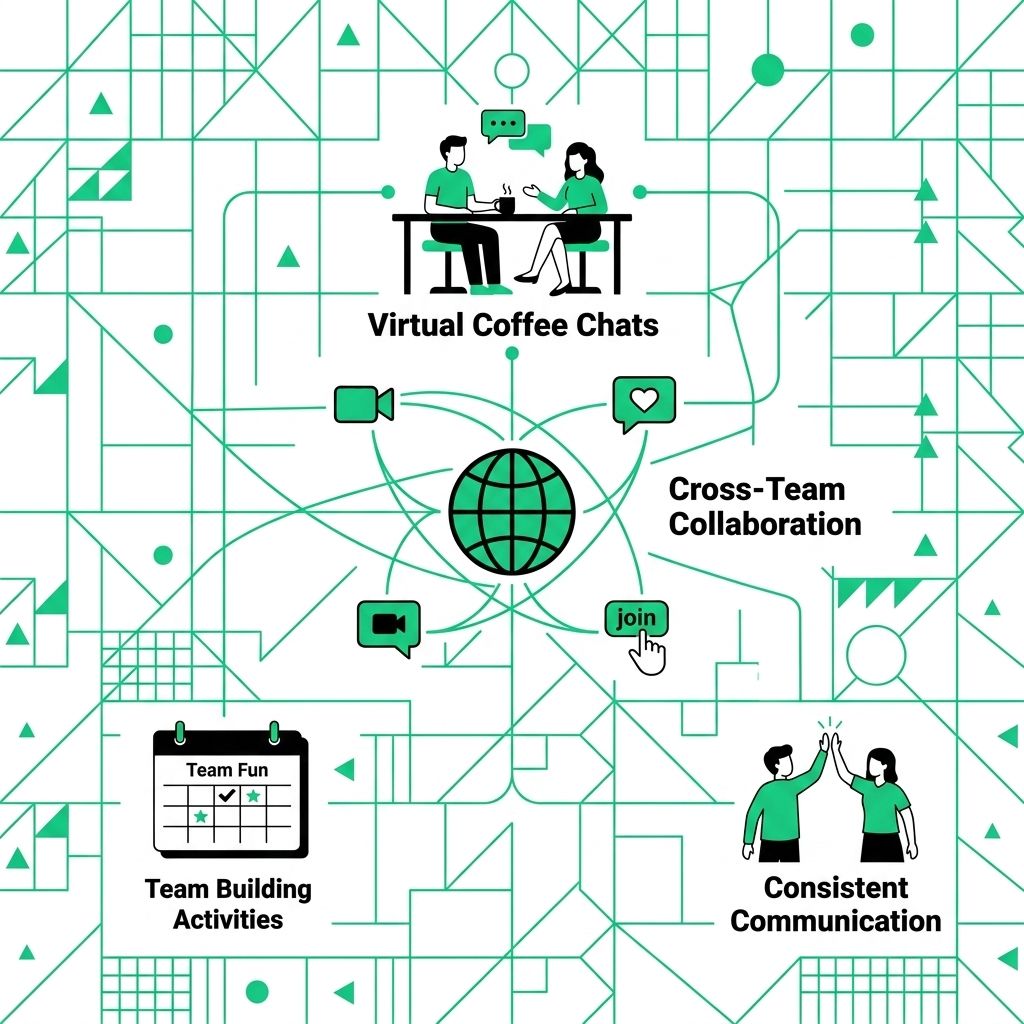
Remote relationships do not happen by accident as often as office relationships do. You do not pass someone in the hallway. You do not hear the quick side comment after a meeting. You have to create a few small moments on purpose.
For a related Working Nomads article, read how to ask for vacation days when you work remotely for async teams before you decide your next step.
That does not mean you need forced fun or constant video calls. You just need steady, human contact that makes work easier.
Communicate With More Context
Short messages can sound colder than you meant them to sound. Add a little context when the topic matters.
Tell people why you are asking, what you need, and when you need it. Use a warmer tone when the message is direct. A quick "thanks" or "good call" can stop a simple request from sounding like an order.
- Add the reason Explain why the message matters
- Choose the right channel Use chat for quick notes and calls for messy topics
- Close the loop Tell people when their help solved the problem
Make Casual Contact Normal
Relationships grow from small moments. Ask about a teammate's week. Follow up on something they mentioned. Share a quick personal note when it fits the conversation.
Keep it natural. A two-minute chat before a meeting can be enough. What would make your next team call feel a little less transactional?
Set Regular Check-Ins
Remote teams need predictable space to talk. Weekly one-on-ones, project syncs, or short team check-ins can keep people from drifting into silence.
Use some of that time for the work, and leave a small opening for people. Microsoft found in its Work Trend Index research that rebuilding social capital looks different in hybrid work. That is a useful reminder. Connection needs time in the calendar, not just good intentions.
Source: Microsoft Work Trend Index on hybrid work
Use Video Calls When They Actually Help
Video is useful for trust, tone, and harder conversations. It is not needed for every update.
Turn the camera on for introductions, sensitive feedback, planning calls, and meetings where body language matters. Keep it optional for routine updates when the team already has enough context.
Reach Out Before You Need Something
Do not make every message a request. Send a quick note when someone does good work. Ask a new teammate how their first week is going. Follow up after a meeting when someone raised a smart point.
Small outreach builds trust before there is pressure. Later, when you need help, the relationship already has some weight behind it.
Respect Boundaries and Time Zones
Good remote relationships do not require constant access. Respect working hours, focus time, and local time zones.
Use scheduled messages when needed. Avoid treating silence as disrespect. People may be in deep work, with family, or simply offline for the day.
Give Useful Feedback and Appreciation
Trust grows when people know where they stand. Thank people in specific terms. Ask for feedback before the final version of a project. Offer suggestions in a way that helps the work, not your ego.
Say what worked, what could be clearer, and what the next step should be. People value feedback that helps them move.
Compare Remote Relationship Habits
| Relationship habit | What feels distant | What builds trust |
|---|---|---|
| Daily messages | Short notes with no context | Clear requests with tone and purpose |
| Check-ins | Only talk when work is late | Keep regular space for updates |
| Video calls | Use video for every small thing | Use video for high-context conversations |
| Appreciation | Generic praise | Specific thanks tied to the work |
Remote relationships get stronger when you make them part of the workday. Keep it simple, stay consistent, and treat your teammates like people you want to understand.
What to Read Next
Read what are the challenges of working remotely if you want a related next step on remote work.
Use how to negotiate your remote work agreement for stronger interviews when you need more context before your next decision.
Publishing Articles or Documentation? Remove AI Slop.
Remove repetitive AI filler phrases, robotic patterns, and AI slop to make your content human, engaging, and original.
Applying for Executive Virtual Assistant Roles?
Boost your callback rate with our 100% free ATS-optimized resume template tailored specifically for remote Executive Virtual Assistant positions.
Remote Executive Virtual Assistant Resume Template
Engineered for high-performing assistants managing executive inboxes, calendars across time zones, and confidential business ops.
ATS Keyword Scanner
Check your resume against remote job descriptions to find missing keywords and boost your score.
Tailored Cover Letter
Generate a personalized, high-converting remote cover letter emphasizing async communication.