How to Address a Cover Letter With an Example
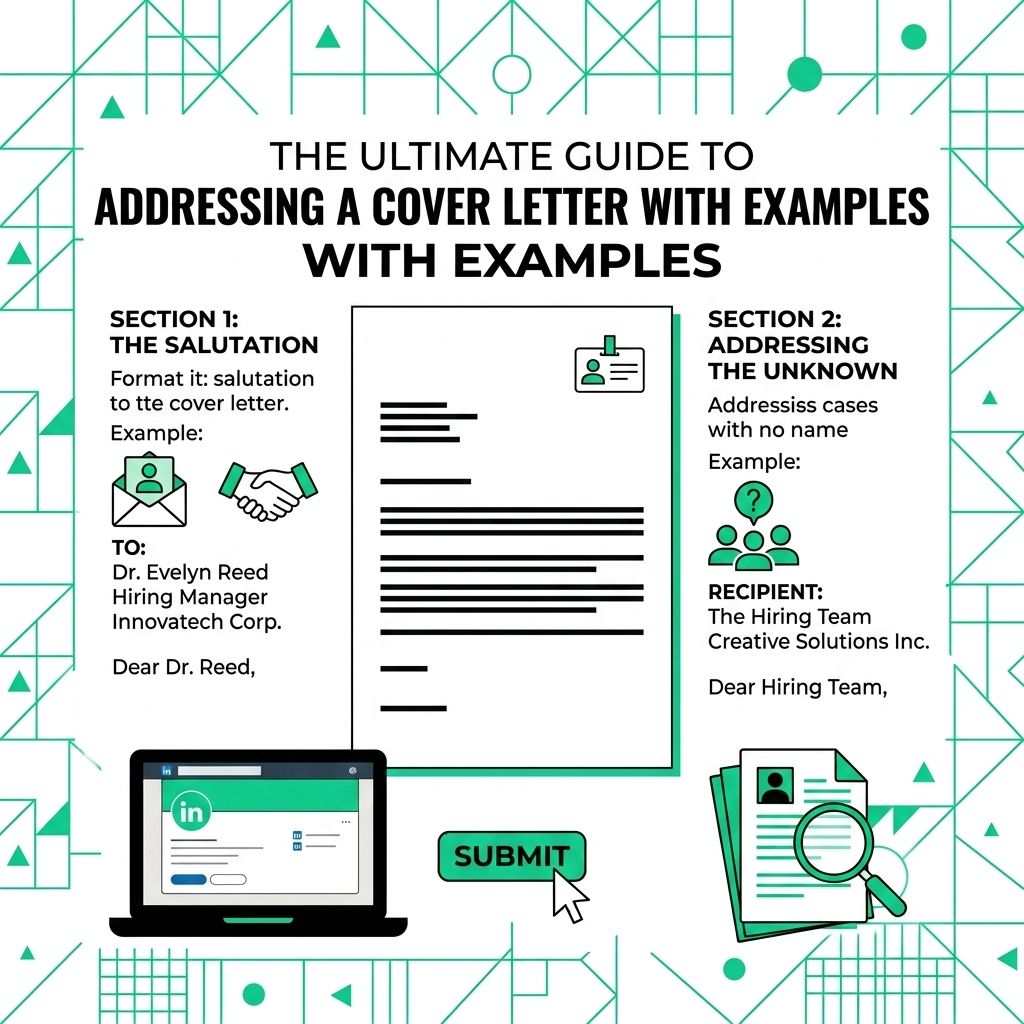
The greeting at the top of a cover letter should feel professional and specific. It does not need to be dramatic. It just needs to show that you paid attention.
Use a real name when you can verify it. Use a clear team or role-based greeting when you cannot.
Why Outdated Salutations Can Hurt the Tone
"To Whom It May Concern" can feel distant because it does not point to a person, team, or role. A more specific greeting usually reads better.
Michigan State University's career guidance lists alternatives to "To Whom It May Concern," including "Dear Hiring Manager" and role-based greetings. See its guide on cover letter address options.
Find the Hiring Manager's Name
Try a few simple checks before you use a general greeting.
- Review the job description: Look for recruiter names, email signatures, or department details.
- Check LinkedIn: Search the company page for recruiters or the department lead.
- Check the company website: Look for team pages, leadership pages, or press contacts.
- Call the company: Ask politely who is managing the hiring process for the role.
When the Name Is Unknown
Use the best available information. Do not guess a person's title, gender, or name.
Department or role-based greetings show effort without making the letter feel forced.
Format the Cover Letter Header
Use a simple header when you attach the letter as a document.
- Your details: Add your full name, phone number, and professional email.
- Date: Add the date you send the letter.
- Employer details: Add the hiring manager's name, title, company, and address if available.
- Salutation: Add your chosen greeting below the employer details.
Handle Names and Titles Carefully
Use the person's full name if you are unsure about gender or marital status. For example, write "Dear Taylor Smith," instead of guessing a prefix.
Use professional titles when they clearly apply. For example, write "Dear Dr. Smith," when the person uses that title professionally.
Email Cover Letter Format
Email applications need less header detail.
- Subject line: Include the job title and your name.
- Greeting: Use the same salutation rules as a document letter.
- Body: Connect your skills to the job requirements.
- Signature: Add your name, phone number, email, and relevant profile link.
Proofread the name, company, and job title before you send the letter. A small spelling error in the greeting can make the whole application feel rushed.
For a related Working Nomads article, read how to write a thank you note to a remote coworker for hiring teams before you decide your next step.
What to Read Next
Read how to format a cover letter if you want a related next step on job search letters.
Use what is a letter of intent for hiring teams when you need more context before your next decision.
Publishing Articles or Documentation? Remove AI Slop.
Remove repetitive AI filler phrases, robotic patterns, and AI slop to make your content human, engaging, and original.
Applying for Universal Remote Professional Roles?
Boost your callback rate with our 100% free ATS-optimized resume template tailored specifically for remote Universal Remote Professional positions.
Classic ATS-Friendly Standard Resume Template
A pure single-column structure with standard semantic headings (Summary, Experience, Skills, Education) that passes every automated applicant scanner.
ATS Keyword Scanner
Check your resume against remote job descriptions to find missing keywords and boost your score.
Tailored Cover Letter
Generate a personalized, high-converting remote cover letter emphasizing async communication.