Best Code Collaboration And Pair Programming Tools For Remote Work
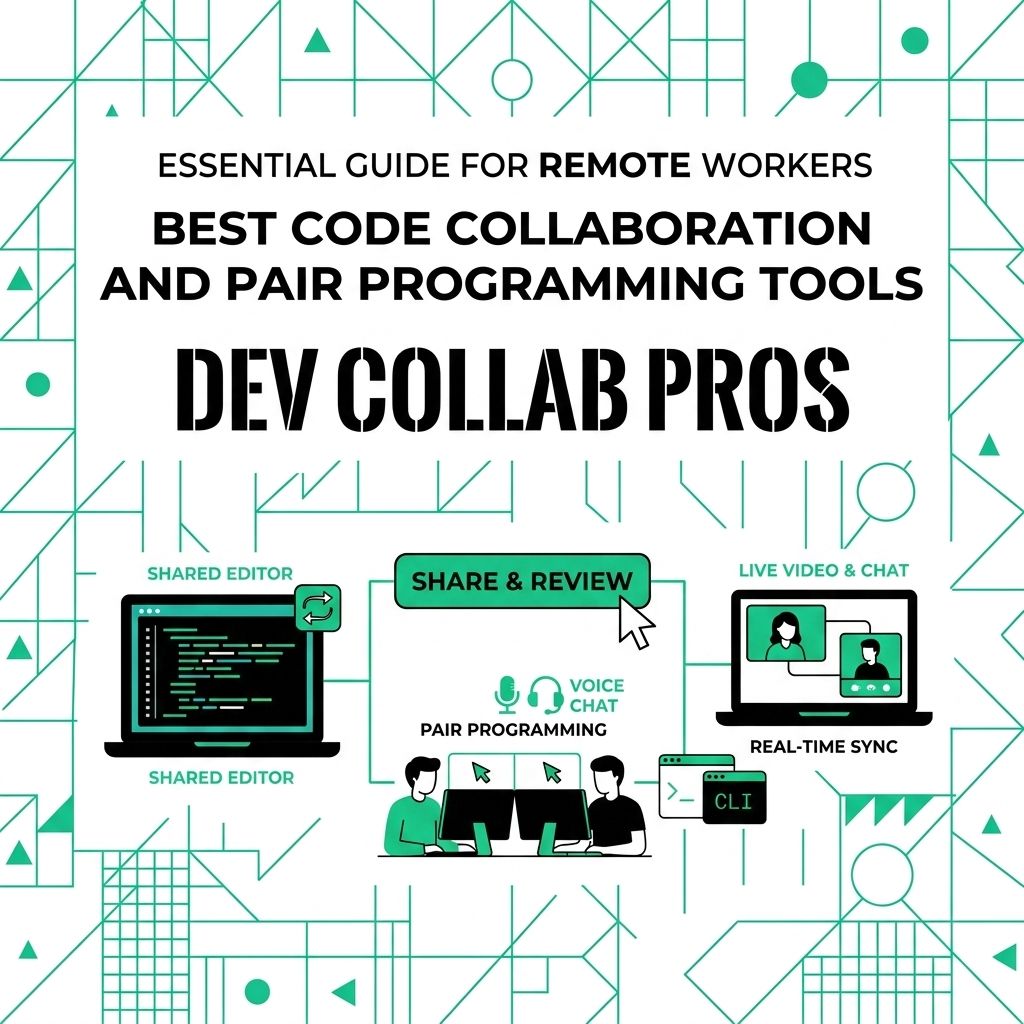
Pair programming works best when the tool stays out of the way. One person can drive, the other can review, and both can talk through the problem without fighting setup issues.
For a related Working Nomads article, read how to ask for vacation days when you work remotely for remote hiring before you decide your next step.
The right tool depends on your team’s IDE, security rules, repo setup, and whether guests need to join from a browser.
Code collaboration tools worth checking
Start with the tools that fit your existing development setup.
Visual Studio Live Share
Visual Studio Live Share supports co-editing, co-debugging, chat, shared terminals, and server sharing. It is a strong choice for teams already using VS Code or Visual Studio.
JetBrains Code With Me
JetBrains teams should look at Code With Me inside JetBrains IDEs. It fits teams that already work in IntelliJ IDEA, PyCharm, WebStorm, or related JetBrains tools.
CodeTogether
CodeTogether supports live coding sessions from Eclipse, IntelliJ, VS Code, and browser guests. It is useful when teammates use different IDEs.
GitHub Codespaces
GitHub Codespaces gives teams cloud development environments tied to GitHub repositories. It is useful when you want repeatable setup across a team.
Replit and CodeSandbox
Replit and CodeSandbox are strong browser-based options for prototypes, teaching, interviews, and frontend work. They help when you want someone to open a link and start working quickly.
How to choose the right tool
Do not pick based on the longest feature list. Pick based on the work your team repeats every week.
- IDE fit: Choose a tool that works with your team’s daily editor.
- Guest access: Decide whether guests need browser access.
- Security rules: Check repo access, terminal sharing, secrets, and permissions.
- Debugging needs: Pick a tool that supports shared debugging if that is core to your work.
- Setup time: Favor tools that a new teammate can join without a long install.
Collaboration method comparison
| Need | Weak Setup | Stronger Setup |
|---|---|---|
| **Pair debugging** | Screen share only | Shared editor and debugger |
| **Onboarding** | Local setup from scratch | Cloud or repeatable dev environment |
| **Code review** | Long async comment threads | Live review for complex changes |
| **Interviews** | Candidate shares screen | Browser-based shared workspace |
The best code collaboration tool is the one your team will actually use when the problem gets hard.
What to Read Next
Read time management skills that help remote workers stay focused if you want a related next step on remote work.
Use how to negotiate your remote work agreement for career planning when you need more context before your next decision.
Publishing Articles or Documentation? Remove AI Slop.
Remove repetitive AI filler phrases, robotic patterns, and AI slop to make your content human, engaging, and original.
Applying for Senior Frontend Developer Roles?
Boost your callback rate with our 100% free ATS-optimized resume template tailored specifically for remote Senior Frontend Developer positions.
Remote Frontend Developer Resume Template
Designed for frontend specialists who build high-performance web interfaces and accessible design systems across remote time zones.
ATS Keyword Scanner
Check your resume against remote job descriptions to find missing keywords and boost your score.
Tailored Cover Letter
Generate a personalized, high-converting remote cover letter emphasizing async communication.