Resume Writing and How to Choose the Right Resume Format
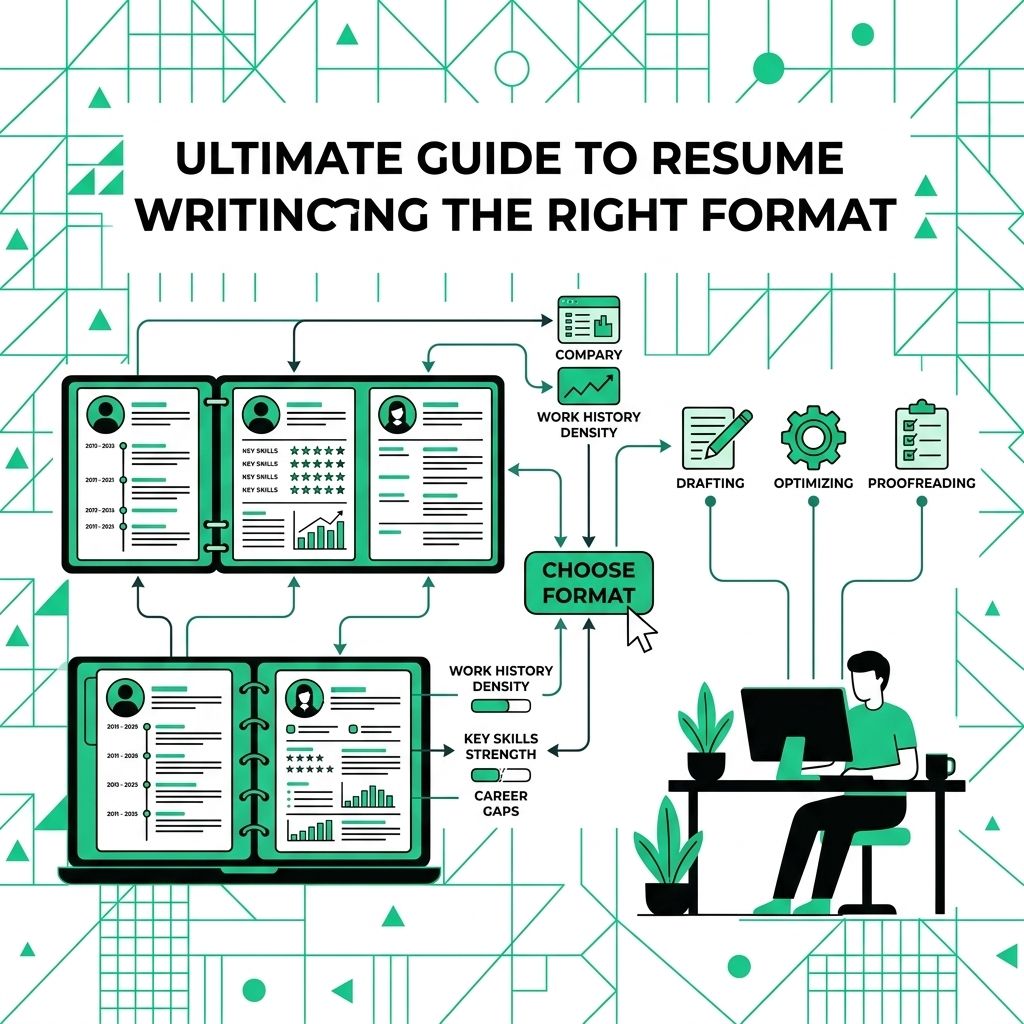
You can have the right experience and still make it hard for someone to see it. That usually happens when the resume format hides your strongest proof or puts the wrong thing first.
Most job seekers use a reverse chronological resume because it is familiar and easy to scan. That can work well. It can also expose gaps, bury transferable skills, or make a career change look less relevant than it really is.
Choose the format that helps the reader understand your fit quickly. UC Davis Human Resources explains that chronological, functional, and combination formats each serve different needs on its resume formats guide.
Reverse chronological format
This format lists your work history with the most recent job first. It is usually the cleanest choice when your recent experience matches the job you want next.
Best fit
Use it when you have steady experience in the same field, recent roles that support your target job, or promotions that tell a clear story.
What to include
- Recent job title, company, location, and dates.
- Bullet points with results, responsibilities, tools, and scope.
- Education, certifications, and technical skills after your experience.
What to watch
This format makes gaps, short stays, and career breaks easier to notice. That is not always a problem, but you should be ready to explain the timeline clearly.
Functional format
The functional format groups your experience by skill instead of by job. It puts abilities near the top and keeps the job timeline shorter.
Best fit
Use it only when your skills are much stronger than your recent job titles. Career changers, returning workers, and people with nontraditional experience sometimes consider this format.
What to include
- Skill groups such as project coordination, customer support, data analysis, or operations.
- Results under each skill group.
- A short work history with employer names, titles, and dates.
What to watch
Do not hide dates completely. A resume that avoids employer names, job titles, or dates can make the reader wonder what is missing.
Combination format
The combination format puts a strong skills or achievements section near the top, then gives a normal reverse chronological work history below it. For many job seekers, this is the best middle ground.
Best fit
Use it when you have solid work history but want to highlight specific skills first. It works well for experienced professionals, career changers with relevant projects, and people targeting a role that needs certain tools or results.
What to include
- A short summary tied to the target role.
- A selected achievements or core skills section.
- A clear work history with dates and job details.
What to watch
Keep the top section tight. If the resume starts with too many skills, the reader may still struggle to find your real work history.
Resume format comparison
| Format | Best For | What It Highlights | What It Hides |
|---|---|---|---|
| **Reverse chronological** | Steady work history | Recent roles, promotions, and dates | Very little |
| **Functional** | Skill-first candidates | Transferable strengths | Work timeline details |
| **Combination** | Most experienced job seekers | Key strengths and work history | Less relevant older details |
Do not choose a format because a template looks nice. Choose the one that helps a recruiter understand your value in the first scan.
For a related Working Nomads article, read references on your remote resume and when to share them for beginners before you decide your next step.
What to Read Next
Read remote work vs telework and the difference if you want a related next step on resume writing.
Use why a one-page remote resume usually works best for beginners when you need more context before your next decision.
Publishing Articles or Documentation? Remove AI Slop.
Remove repetitive AI filler phrases, robotic patterns, and AI slop to make your content human, engaging, and original.
Applying for Senior Customer Support Specialist Roles?
Boost your callback rate with our 100% free ATS-optimized resume template tailored specifically for remote Senior Customer Support Specialist positions.
Remote Customer Support Specialist Resume Template
Highlights customer empathy, ticket resolution speed, Zendesk/Intercom power workflows, and self-serve documentation.
ATS Keyword Scanner
Check your resume against remote job descriptions to find missing keywords and boost your score.
Tailored Cover Letter
Generate a personalized, high-converting remote cover letter emphasizing async communication.