How to Show Promotion on Your Resume
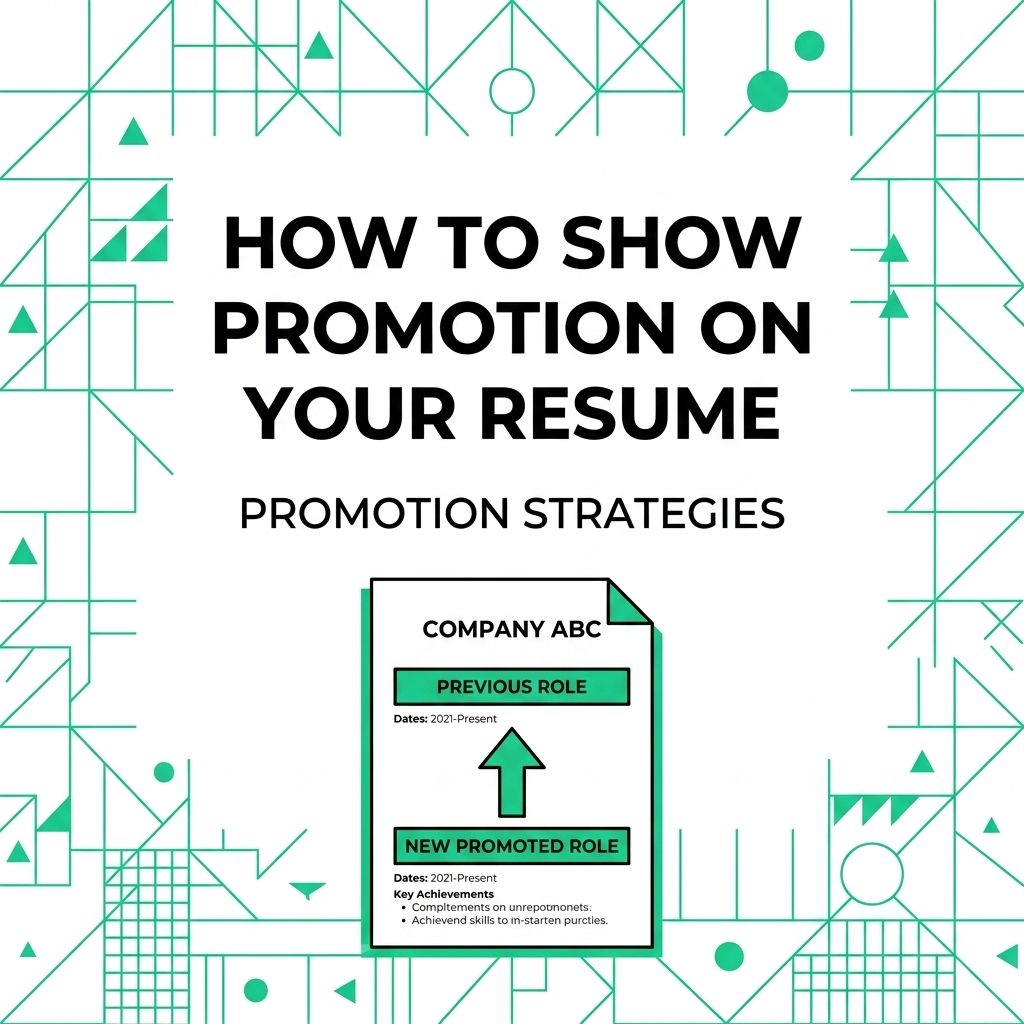
In 15 minutes, you can make a promotion clear with one of 3 formats: stacked titles, separate role entries, or a condensed company entry. The right choice turns on how much your responsibilities changed and how much space the earlier role deserves.
Use the decision table first, then copy the matching example and add proof that you earned the move. Remote employees, freelancers, and contractors can use the same structure to show wider scope, more autonomy, or leadership across locations.
Choose the Right Promotion Format
Southern Utah University’s career center recommends listing the job title, company, location, employment dates, and relevant accomplishments in each experience entry. A promotion adds one more task: make the change in level unmistakable without making the reader reconstruct your history.
| Your situation | Best format | Why it works |
|---|---|---|
| Same employer and related duties | Stacked titles | Shows continuous employment and upward movement in a compact block |
| Same employer but a major change in scope | Separate role entries | Gives each role its own dates, keywords, and results |
| Several older promotions | Condensed company entry | Preserves progression while saving space for recent work |
| Contractor gained a larger mandate | Separate engagement phases | Shows growth without implying an employee promotion |
Use reverse chronological order inside the company entry. Put the newest title first, keep date formatting consistent, and do not create overlapping dates unless you genuinely held both roles at once.
Use Stacked Titles for Related Roles
Stack titles when you stayed in the same function and each promotion expanded a similar body of work. List the company once, place each title and date range underneath, then use one achievement section.
Example for a remote customer support career
Northstar Software — Remote
Senior Customer Support Specialist | March 2025–Present
Customer Support Specialist | June 2023–February 2025
- Promoted to senior specialist after taking ownership of escalations across North American and European coverage hours.
- Built an asynchronous handoff template that gave the next shift the customer history, owner, and next action.
- Trained 8 distributed teammates on billing and account-recovery workflows.
This format keeps the promotion visible while avoiding two nearly identical lists of duties. It works best when the same skills and systems run through both roles.
Separate Roles When the Scope Changed
Give each position its own entry when the promotion added people management, a different function, a new product area, or a much larger client portfolio. Repeat the company name only if your layout needs it; the relationship between the entries should still be obvious.
Example for a distributed product team
Northstar Software — Remote
Product Operations Manager | January 2025–Present
- Lead planning and release coordination for 3 product squads across 5 time zones.
- Introduced written decision records so engineering, support, and sales could review changes asynchronously.
Product Operations Specialist | April 2022–December 2024
- Maintained the release calendar and prepared weekly risk summaries for product leads.
- Created onboarding documentation used by 14 new team members.
Separate entries let you match achievements to the role in which they happened. They also give the newer title room for the keywords and leadership evidence required by the job you want next.
Condense Promotions From Earlier in Your Career
Older promotions can show sustained trust even when they no longer deserve several bullets. Keep the employer, title sequence, and overall date range, then add one line only if the experience still supports your target role.
Example for older experience
Brightline Media — Account Director, Senior Account Manager, Account Manager | 2016–2021
Advanced through 3 roles while managing remote client accounts and mentoring junior account staff.
This preserves the career story without crowding out recent remote work. If an older title is unrelated to the current target, the title and dates may be enough.
Show What Earned the Promotion
The title change is evidence of trust, but a hiring manager still needs to know what changed because of your work. Add a promotion line or a result under the role rather than leaving the reader to infer why you advanced.
| Weak wording | Stronger promotion proof |
|---|---|
| Promoted to team lead | Promoted to team lead after coordinating weekly delivery across design, engineering, and support |
| Took on more responsibility | Selected to own client escalations and coach 6 remote support specialists |
| Became senior developer | Advanced to senior developer after leading the migration plan and mentoring 4 engineers |
| Promoted quickly | Earned promotion within 18 months after taking ownership of the team’s release checklist |
Use numbers you can defend. Team size, project count, time-zone coverage, client volume, response time, revenue, or cost savings can show scale. Do not invent a metric because the original performance record is unavailable; a precise description of scope is stronger than an unsupported number.
If your bullets still read like duties, turn each promotion into a quantified achievement by naming the problem, action, and result.
Handle Remote and Contract Promotions Honestly
Remote work makes location and scope easy to blur. Use Remote, a city plus Remote, or a region such as Remote — EMEA only when it accurately describes the arrangement. The promotion proof should focus on work that crossed distance: asynchronous ownership, documentation, distributed leadership, time-zone coverage, or measurable delivery without close supervision.
Contractors and freelancers should not call a larger engagement a promotion unless the client formally changed the title. Use language such as expanded engagement, lead contractor, or retainer increased to include team coordination. Keep the client relationship clear so the resume does not imply employment that never existed.
| What changed | Honest resume label |
|---|---|
| Formal employee title change | Promoted to Senior Analyst |
| Temporary leadership assignment | Acting Team Lead or Interim Manager |
| Contractor given a larger scope | Lead Contractor or Expanded Engagement |
| Different role at the same level | Internal Transfer or list the new title without “promoted” |
Avoid Promotion Formatting Mistakes
Keep the layout simple enough to survive an application form and a quick scan. The University of Texas at Dallas advises candidates to avoid graphics and columns that can block applicant-tracking-system parsing.
- Do not hide the earlier title. The progression is part of the value.
- Do not give every role the same bullets. Assign each result to the period when it happened.
- Do not merge unrelated roles. Separate entries are clearer when the function changed.
- Do not mislabel an acting assignment. Add “Acting” or “Interim” if the role was temporary.
- Do not use a company-wide award as personal proof. State your own contribution.
- Do not let LinkedIn contradict the resume. Titles and dates should tell the same basic story.
What to Read Next
Tailor the newest role to the job description, but keep the promotion history intact. A remote operations application may emphasize documentation and cross-time-zone coordination. A people-management application may lead with team size, coaching, and delivery. A freelance application may focus on renewals, referrals, and expanded client scope.
After the promotion block is clear, build the rest of your remote resume around that proof. Then run a final resume checklist before sending it so dates, titles, keywords, and links agree.
If the new title points toward your next move, compare it with current remote job openings and note the repeated skills in 5 relevant listings. That gives you a short evidence list for the summary, skills section, and interview.
Make the Promotion Clear in 15 Minutes
Choose one format, verify every title and date, and add one bullet that explains why the promotion happened. Then spend 15 minutes checking the block against the target job: keep the proof that matches, cut repeated duties, and make the remote or contract arrangement explicit.
Publishing Articles or Documentation? Remove AI Slop.
Remove repetitive AI filler phrases, robotic patterns, and AI slop to make your content human, engaging, and original.
Applying for Senior Full-Stack Engineer Roles?
Boost your callback rate with our 100% free ATS-optimized resume template tailored specifically for remote Senior Full-Stack Engineer positions.
Remote Senior Full-Stack Engineer Resume Template
Engineered specifically for distributed engineering teams. Highlights asynchronous PR reviews, system scalability, and cloud microservices architecture.
ATS Keyword Scanner
Check your resume against remote job descriptions to find missing keywords and boost your score.
Tailored Cover Letter
Generate a personalized, high-converting remote cover letter emphasizing async communication.